
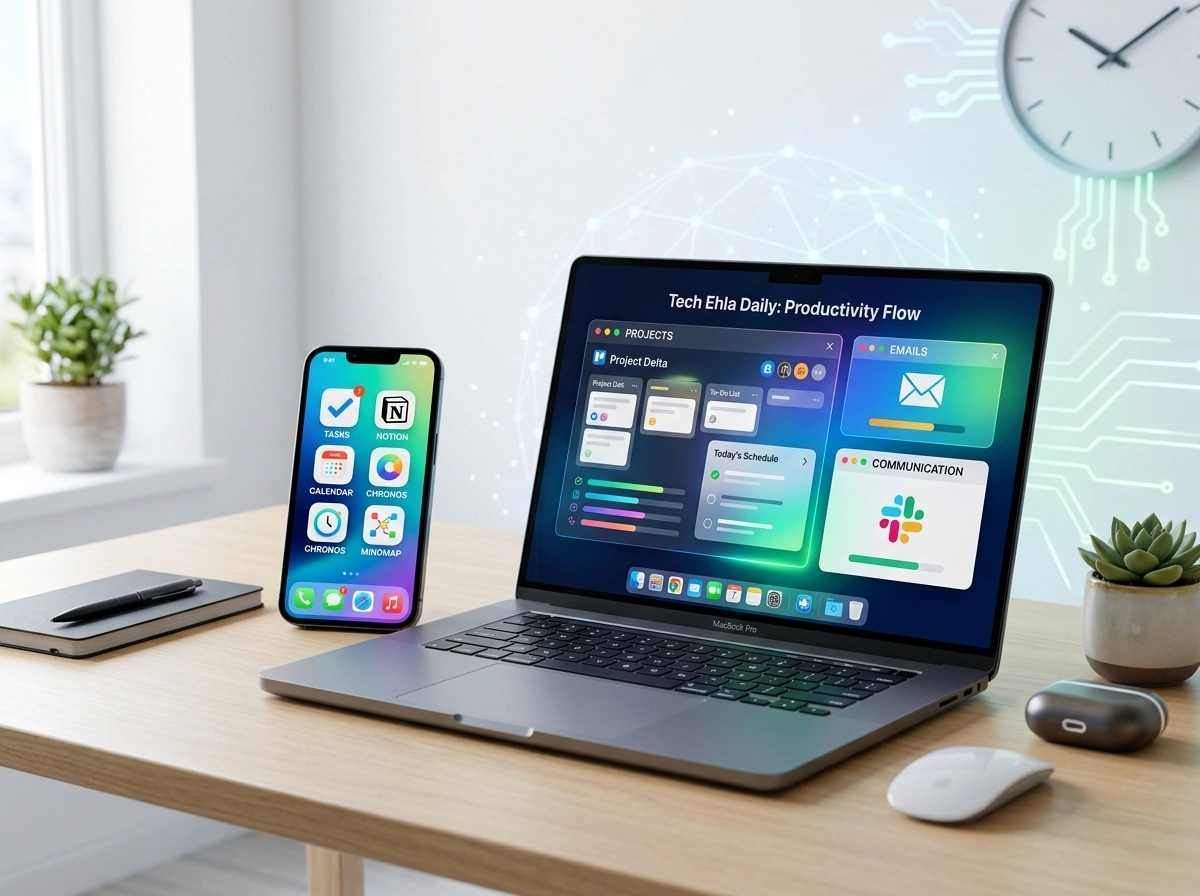
Staying productive isn’t about working harder. It’s about working smarter with the right tools. Over years of testing, reviewing, and living with dozens of apps, the team at tech ehla has landed on a core set of tools that earn their place on the home screen every morning. These aren’t flashy apps that sit unused after a week. They’re the workhorses that keep tasks moving, meetings on track, and ideas from slipping through the cracks.
Whether you’re a freelancer in Austin, a remote team lead in Seattle, or a student juggling classes and side gigs, these seven apps can reshape how you spend your day. Here’s a closer look at each one, what it does well, and why it earns daily use.
1. Notion — The All-in-One Workspace
Notion has quietly become the digital brain for millions of professionals across the country. At its core, it’s a flexible workspace where notes, databases, wikis, and project boards live under one roof. Instead of bouncing between five different apps, you build exactly the system you need.
The daily appeal comes from its versatility. You can draft a client proposal in the morning, track a content calendar at noon, and jot down meeting notes by afternoon, all in the same tidy space. Templates make setup fast, and the ability to link pages means your information stays connected rather than scattered.
For teams, shared workspaces keep everyone on the same page, literally. Comments, mentions, and real-time edits reduce the endless back-and-forth of email threads. If you want one tool to replace a messy pile of sticky notes and spreadsheets, Notion is the place to start.
2. Todoist — Task Management That Sticks
A good to-do list app should get out of your way and just work. Todoist nails that balance. Its clean interface makes adding tasks effortless, and its natural language input means you can type “Submit report every Friday at 3pm” and watch it schedule itself automatically.
What makes Todoist a daily habit is how it handles priorities. You can flag urgent items, sort by project, and set recurring tasks that never let a routine slip. The “Karma” feature adds a light layer of motivation by tracking your completion streaks, which sounds small but keeps momentum going.
It syncs across every device, so a task added on your phone during your commute shows up instantly on your laptop at the office. For anyone who feels buried under competing demands, Todoist brings order without complexity.
3. Slack — Communication Without the Clutter
Email still has its place, but for fast team communication, Slack has become the standard in workplaces from startups to Fortune 500 companies. Organized channels replace chaotic group emails, so conversations stay grouped by topic, project, or team.
The real power shows up in the details. You can search past messages in seconds, share files with a drag and drop, and connect hundreds of other apps directly into your workspace. Get a Notion update, a calendar reminder, or a code alert without ever leaving the window.
Slack also respects your focus. Custom notification settings and status updates let you signal when you’re heads-down versus available. That flexibility is why so many distributed teams across different time zones lean on it every single day.
4. Google Calendar — The Backbone of Your Day
It might feel obvious, but Google Calendar remains one of the most powerful productivity tools available, and it’s free. Its strength lies in simplicity paired with smart features that keep your schedule under control.
Color-coded calendars let you separate work, personal life, and side projects at a glance. Sharing availability with colleagues takes seconds, and the “Find a time” feature ends the painful dance of scheduling across busy calendars. Automatic time zone adjustments are a lifesaver for anyone working with clients across the country.
Daily reminders, event notifications, and integration with video calls mean you rarely miss a meeting. Layer in features like appointment scheduling, and it quietly runs the rhythm of your entire workday.
5. Grammarly — Your Writing Safety Net
Clear writing builds trust, whether you’re sending a client email, posting on social media, or drafting a report. Grammarly acts as a real-time editor that catches typos, grammar slips, and clunky phrasing before anyone else sees them.
Beyond fixing mistakes, it offers tone suggestions that help you sound confident, friendly, or formal depending on the moment. That matters when a single misread email can create confusion. The browser extension works everywhere you type, from Gmail to LinkedIn to your project tools.
For professionals who write throughout the day, Grammarly runs quietly in the background, polishing every message. It’s the kind of tool you barely notice until you turn it off and realize how much it was catching.
6. Trello — Visual Project Tracking
Some people think in lists. Others think in pictures. Trello serves the visual thinkers with its board-and-card system that makes project progress instantly clear. Each card represents a task, and you drag it across columns like “To Do,” “In Progress,” and “Done.”
This simple format works surprisingly well for both solo projects and team workflows. You can attach files, add checklists, set due dates, and tag teammates on any card. Watching cards move across the board delivers a small but real sense of accomplishment.
Trello scales nicely too. A freelancer might use one board for client work, while a marketing team might run an entire content pipeline through it. The visual clarity keeps everyone aligned without lengthy status meetings.
7. Toggl Track — Know Where Your Time Goes
You can’t improve what you don’t measure. Toggl Track answers a question most people avoid: where does my time actually go? With one click, you start a timer for whatever you’re working on, then review detailed reports later.
The insights can be eye-opening. Maybe those “quick” email checks eat two hours a day, or a certain client takes far more time than budgeted. Freelancers love it for accurate billing, while teams use it to spot bottlenecks and plan better.
Its reports break down your hours by project, client, or task, turning vague guesses into hard data. Once you see the numbers, adjusting your habits becomes far easier. For anyone serious about reclaiming their day, Toggl is a quiet game-changer.
Bringing It All Together
The magic of these seven apps isn’t in any single one. It’s in how they work together. Notion holds your knowledge, Todoist and Trello manage your tasks, Google Calendar governs your time, Slack keeps your team connected, Grammarly sharpens your words, and Toggl reveals where your hours actually go.
You don’t need to adopt all seven overnight. Start with the one that solves your biggest pain point, whether that’s missed deadlines, scattered notes, or foggy time management. Build the habit, then layer in the next tool as you go.
Productivity tools are personal. What works for one person might not fit another, and that’s fine. The goal isn’t to chase every shiny new app but to find a reliable set that fits how you actually work. These seven have earned their daily spot because they deliver real results, not just promises.
Try one this week and see how it changes your rhythm. Small shifts in your tools often lead to big shifts in what you accomplish.